
Why Use Chrome Extensions?
The modern internet is central to so many lifestyles and careers that it’s almost impossible to avoid but actually using it can be frustrating and overstimulating. Thankfully, the community has provided a way for you to tweak the browser experience to your personal preference: extensions! A good Chrome extension can do a ton of different things for you, such as helping you stay on task, block distractions, or even help you write more efficiently. No matter what you need, there’s probably somebody who also needed it at one point and decided to solve the problem themselves.
However, because there are thousands of extensions available in the store, it can get overwhelming to use just like everything else on the internet. Thankfully, we have helped compile a list of the 9 most convenient Chrome browser extensions for 2025, curated to include only the most useful browser extensions out there. Whatever your career is or even if you’re just a casual browser, these browser extensions will help you get more done with fewer clicks.
1. Grammarly
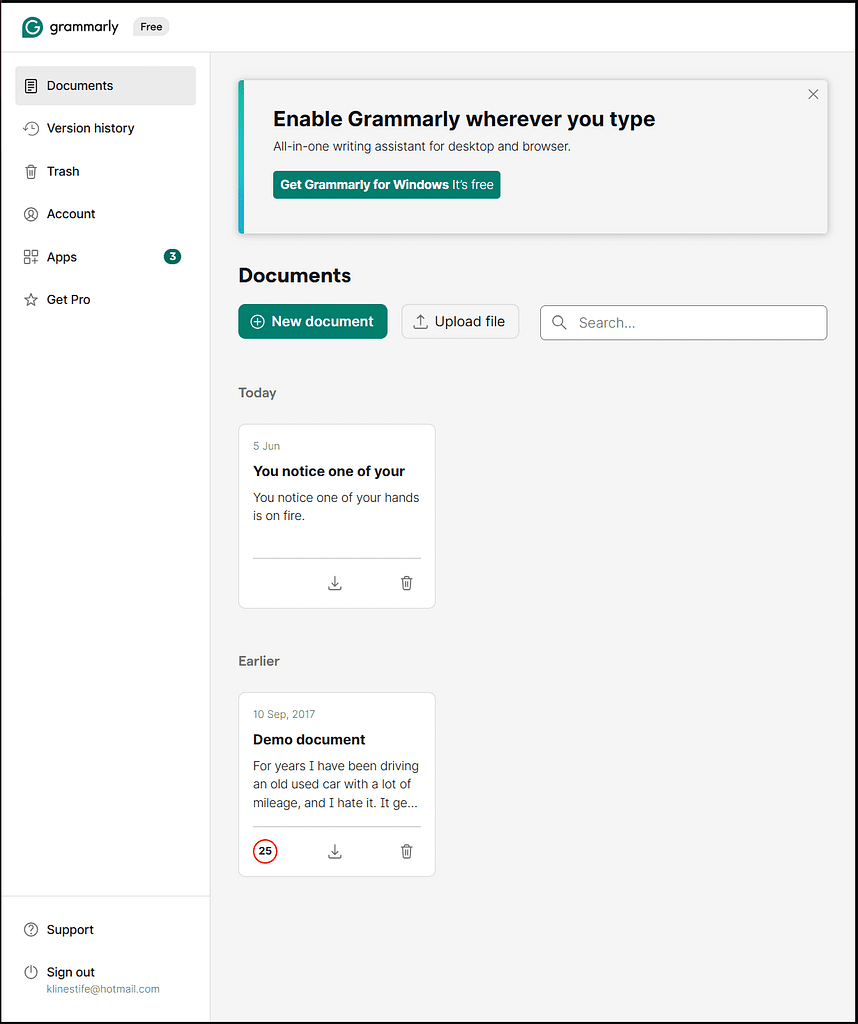
Grammarly is one of the best Chrome extensions out there for writers or marketers and can help every other user by just checking their emails or blog posts. Its main function is to be your personal writing assistant and help you write with clarity and be grammatically correct. This extension has generally been an extremely popular option since its inception due to its powerful real-time writing assistance. It’s able to check pretty much anything you type into any text editor on your browser, making it pretty much universal. This is one of the best chrome extensions for productivity, with very few apps able to match up to its sheer utility.
However, there are a few downsides. For instance, while the free version is quite powerful, there are a couple of more advanced features that are locked behind a subscription. It’s also recently introduced some overzealous AI that run the risk of making suggestions that overwrite the tone you’re trying to establish.
You can install Grammarly by clicking here.
2. Dark Reader
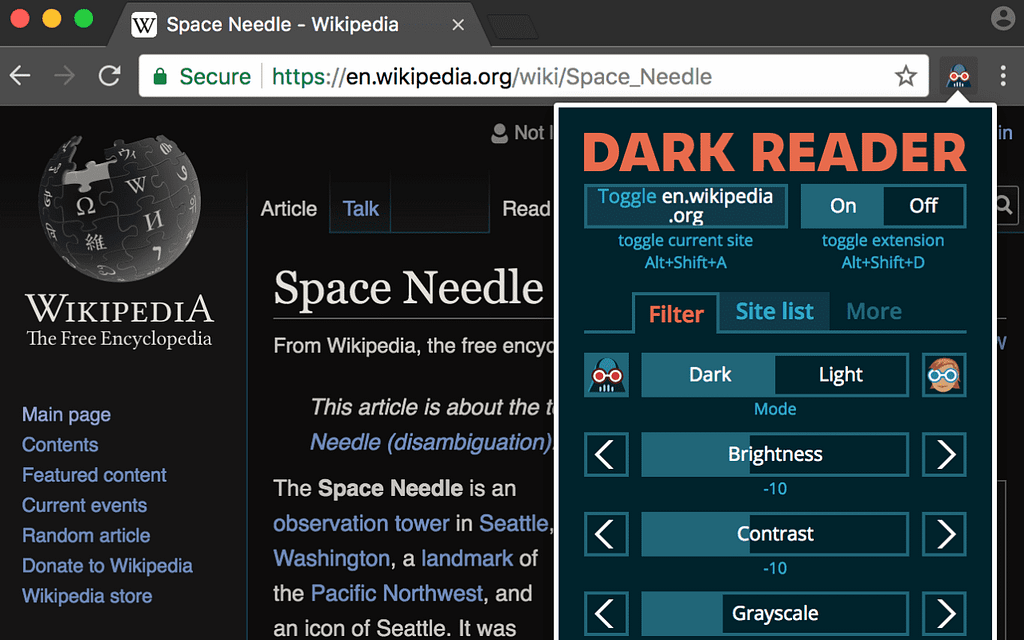
Dark Reader is a unique extension that helps reduce eye strain by enabling dark mode on every web page. This is especially important for developers who have to work long hours or night owls that work late in the evening. White webpages are especially harmful to the eyes for these users, and this extension specifically helps to address that. This is not directly a productivity tool, but it certainly helps people stay comfortable while they’re being productive. Dark Reader has a bunch of features such as customizable filter settings per page, and it also works with nearly all web development platforms and pages.
There are only a few cons. For instance, some websites may display elements incorrectly, and it can also slow page loading on sites with an especially large amount of elements.
You can install Dark Reader by clicking here.
3. uBlock Origin
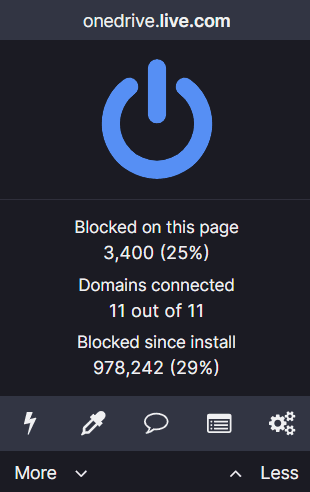
UBlock Origin is a fantastic extension for just about everybody. While it’s best known for blocking ads, it also has a ton of other functions such as blocking various trackers and malware across the internet. This extension is crucial both for safe browsing and blocking out all the noise from the internet so you can focus.
It’s known for its speed, extremely low resource utilization, detailed readouts and customization, making it one of the best AdBlock tools available in the Chrome Web Store. What makes it even better is its open-source nature. That means the extension is actively supported by its community and makes it less prone to letting certain ads through for monetary interest.
There are only a couple of downsides. One is that the massive variety of settings may be too obtuse for casual users, and it doesn’t cover every website, necessitating a manual whitelist from the user.
You can install uBlock Origin by clicking here.
4. Bitwarden
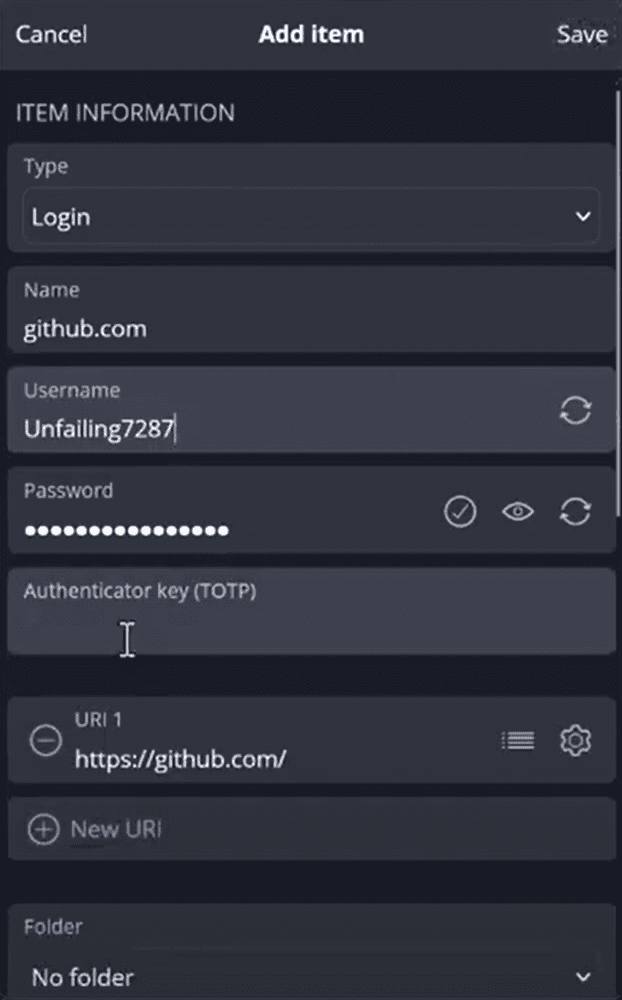
Bitwarden is a fantastic open-source password manager. It’s notable for two things – being open-source and never having its databases breached like too many other password managers over the years. Its open-source nature leads to frequent updates and that, coupled with a bevy of features like auto-completion and generating strong passwords.
There are a few inconveniences in the way, however. It requires you to make a Bitwarden account to start off with, and there are some sync delays between devices.
You can install BitWarden by clicking here.
5. Momentum
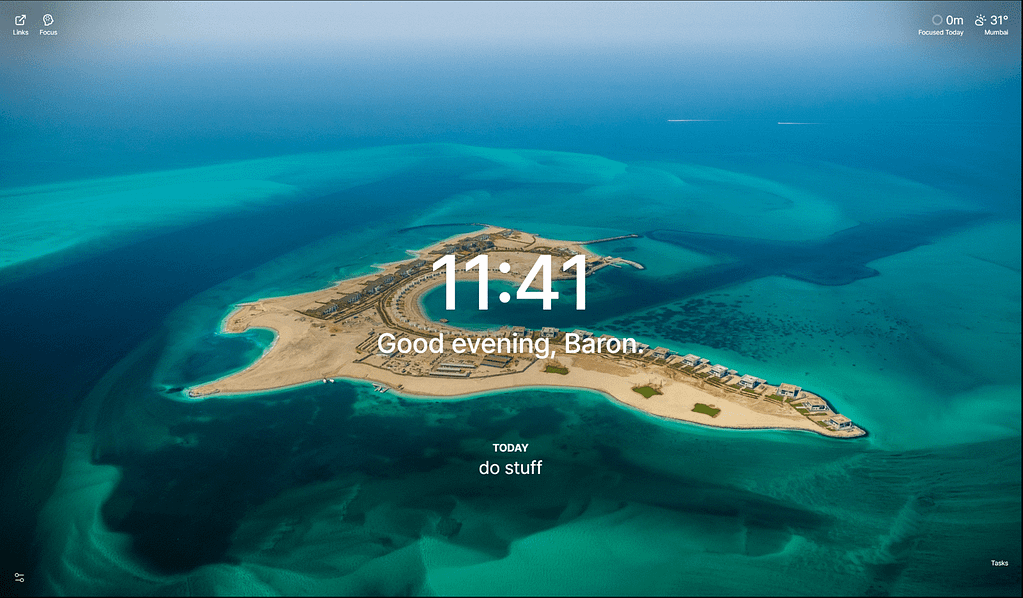
Momentum fulfills a very unique function. It replaces your default new tab with a personalized dashboard featuring inspirational quotes, a to-do list, and even weather updates. What this extension tries to do is boost your productivity by motivating you to work harder. It boasts a ton of different useful widgets all in an elegant layout. It’s simplicity and straightforward assistance makes this one of the best Chrome extensions for 2025. What’s more is that it integrates very well with other productivity tools, making it fit well into the Chrome productivity extensions category of apps.
There are a few downsides, however. The free version features limited customization, and its minimalist interface may be too little for users that prefer more details.
You can install Momentum by clicking here.
6. Evernote Web Clipper

Evernote Web Clipper is a fantastic productivity extension. This extensions lets you save web pages, articles, and screenshots and save them all directly into their personal Evernote notebooks with the click of a button. Collating information into one place makes this a powerful companion for researchers, students, and anyone who needs to bookmark content. What’s more is that it synchronizes with its own Evernote platform, meaning that you can access your notes on whatever device you want so long as it can access the internet. That, coupled with its frequent updates, makes it one of the best Chrome extensions for productivity.
That does mean that you need to register an Evernote account. Moreover, it may also slow down performance on extremely packed and complex browser tabs.
Install Evernote Web Clipper by clicking here.
7. OneTab

OneTab is fantastic for anybody that likes to have a couple dozen tabs open at a time. What this extension does is consolidate all of your open tabs into a single list. What this does is help free up RAM, which is an issue that Chrome is notoriously bad at handling. The extension is so simple to use white offering such a big impact that it’s definitely one of the most useful extensions out there.
There are only a few downsides. One is that there is no automatic cloud sync, meaning that whatever settings you set stays on the current device. Another is that there is a lack of tab grouping features that are seen in newer tools.
You can install OneTab by clicking here.
8. Tab Wrangler
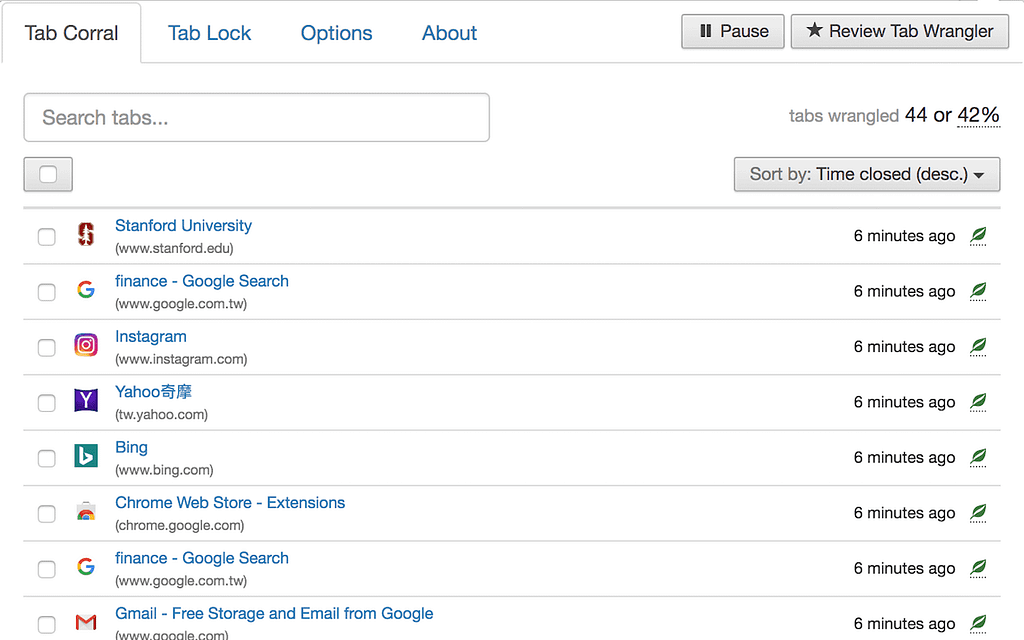
Tab Wrangler is a great extension to use in conjunction with other extensions based around managing tabs. What this extension does is that it automatically closes browser tabs after a set period, helping you manage multiple tabs without having to manually clean up. This is extremely useful for avoiding browser bloat and saving pc resources for other things. You can customize a ton of different options, like exactly how long each tab can be inactive before closing and excluding certain tabs from being closed at all. On top of that, if you forgot to tweak a setting and a tab that you wanted open closes, this extension will save the closed tabs in a convenient list for recovery.
The only downside is that the initial setup requires a lot of trial and error until you get the right balance between how long you personally leave a tab inactive and when they close.
You can download Tab Wrangler by clicking here.
9. Google Translate
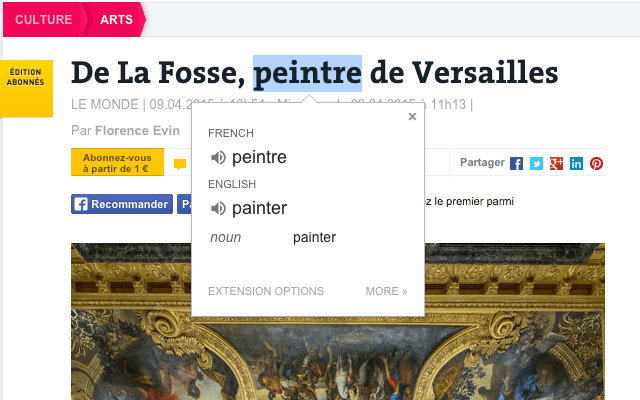
That’s right, you don’t need to actually go to the Google Translate website! This extension provides you with all the functionality of the website in a simple one-click interface. While Google Translate has been known to be inaccurate in the past, it has since been upgraded to at least be accurate enough to understand the gist of pretty much every piece of writing out there. Its simplicity and accuracy makes it one of the most popular Chrome extensions out there, and is another fantastic chrome productivity extension for researchers, marketers, and global users.
There are a few cons. For instance, despite its many improvements, it can still have trouble understanding context in particularly complex sentences. On top of that, the interface is extremely basic compared to the full Google Translate site.
You can download Google Translate by clicking here.
Optimize Your Workflow with Extensions
The Google Chrome extension ecosystem is growing every day. From the essential Adblock tools to more specialized productivity extensions, there’s a fantastic chance that whatever you need is already in the Chrome Web Store. And if it isn’t, there’s a very good chance that somebody agrees with you and is actively developing an extension to fill that niche!
Considering how much time is spent browsing on the internet, it’s crucial that you have the right set of extensions to minimize all the distractions so you can more effectively get into a flow state. Time is money, after all, and any edge in navigating the web in 2025 is worth it. We hope that this complete list of the 9 best and most useful Chrome extensions helps provide that edge for you. Try each of them out to see which one fits your needs best!